Thursday, January 29, 2015

Week 3b - Pictogram Design for CHS School Policies

Keep cellphones & devices put away


 be sitting in class on time before the bell 


 uniform is required 

Tuesday, January 27, 2015

week 1

 '

my first practice 


 stick figure i made today is weak 


notes for adobe

I) Watch Mr. Webb's demonstration and post notes to do the following on your blog:
- Creating a new canvas (document)
     press Command+N to make a new canvas
     3 sections of Adobe Illustrator (Toolbox [left], Menu bar [at the top], Panels [right])
     PROFILE: Print, SIZE: Letter, ORIENTATION: Portait

- Interface navigation, drawing tools (Illustrator's shapes & using the Pen Tool)
    Rectangle Tool (M) - makes squares and rectangles with sharp edges
    Rounded rectangle tool - makes rectangles with rounded edges
    Ellipse tool - draw circles and ovals
    Polygon Tool - draws convex regular polygons.
    Star tool - draws stars; to add more edges tap the up arrow, to remove edges tap the down arrow; to     control the sharpness of the star, hold the command key while drawing the star.

   Selection Tool (V)- looks like a black arrow.  Use to select objects that you want to move, copy or     delete.

    Pen Tool (P) - draws line segments and curves

- Setting the Fill Color, and the Stroke Color
First, select your object or line.  
Second, click on the fill color box to set the fill color. 
OR, click on the stroke color box to set the stroke color

- Saving file formats (saving for Adobe Illustrator editing vs. Saving an image for the web)
Save for Adobe Illustrator = (.ai) <<Can ONLY be opened in Illustrator.
Save for the Internet/Your blog = (.jpeg, .gif, .png) << Can be uploaded to your blog.

week 3a signs and visual communication

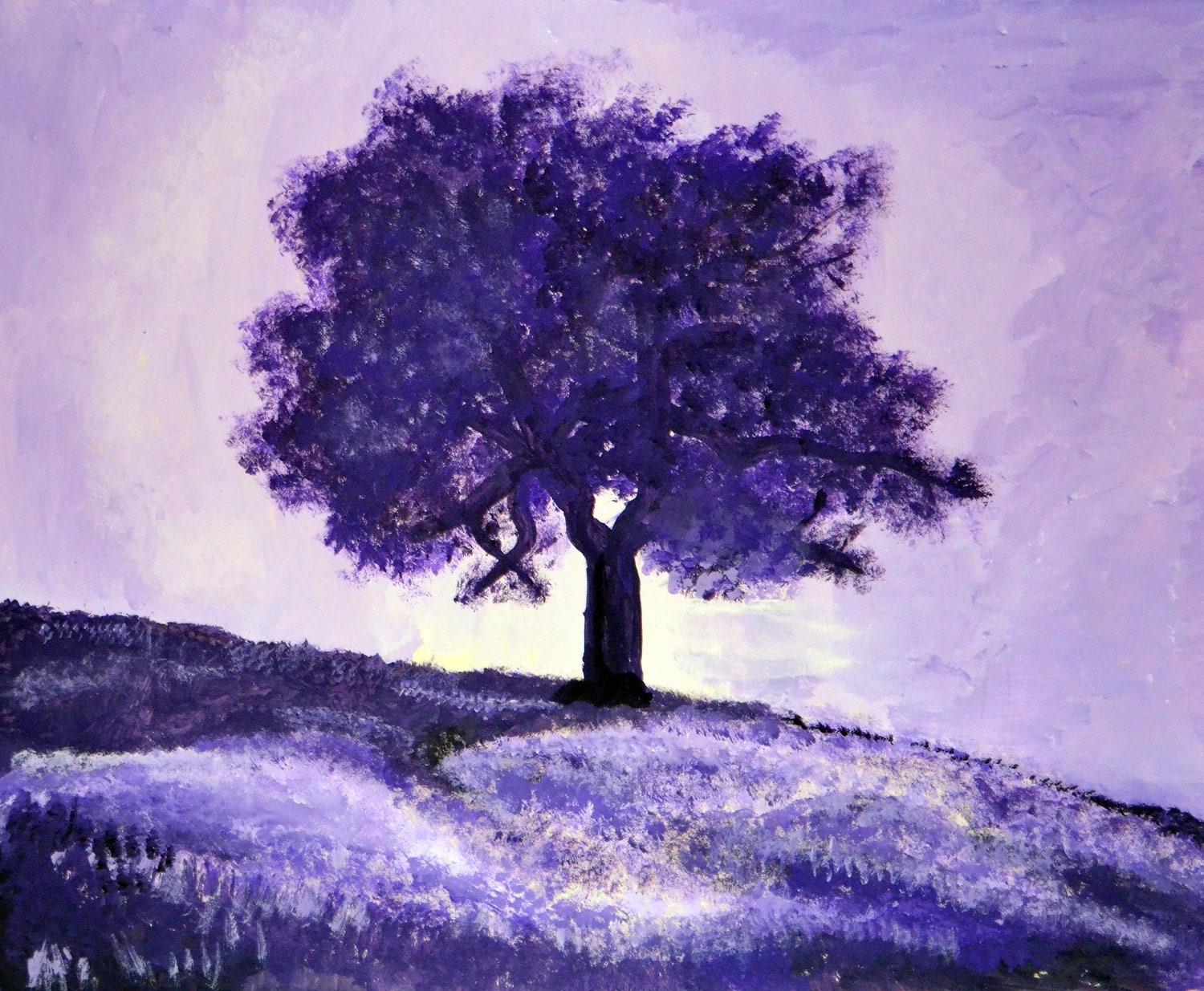
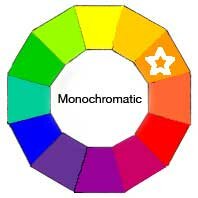
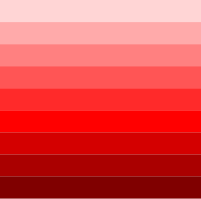
Monochromatic colors are all the colors (tints, tones, and shades) of a single hue.


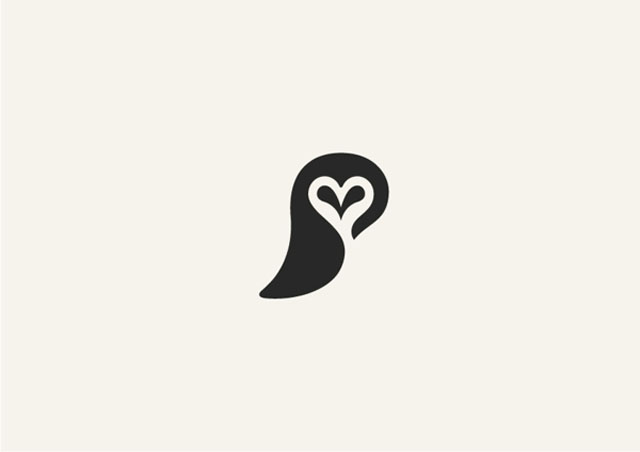
Negative space, in art, is the space around and between the subject(s) of an image. Negative space may be most evident when the space around a subject, not the subject itself, forms an interesting or artistically relevant shape, and such space occasionally is used to artistic effect as the "real" subject of an image.


notes

Wk 3a - Introduction to Adobe Illustrator
(I) Watch Mr. Webb's demonstration and post notes to do the following on your blog:
- Creating a new canvas (document)
(Press Command+N to make a new document)
Size= LETTER, Orientation=Portrait

Go to Window>Workspace>Reset Essentials
To reset Adobe Illustrator when you first open the app.

- Interface navigation, drawing tools (Illustrator's shapes & using the Pen Tool)
RECTANGLE (M)
Click and drag the rectangle on your document
ELLIPSE (L)
ROUNDED RECTANGLE
POLYGON TOOL
STAR TOOL
FLARE TOOL

PEN TOOL (P)
The Pen tool allows you to create lines and curves.
- Setting the Fill Color, and the Stroke Color
- Saving file formats (saving for Adobe Illustrator editing vs. Saving an image for the web)

Monday, January 26, 2015

notes for adobe illustrator

Wk 3a - Introduction to Adobe Illustrator
(I) Watch Mr. Webb's demonstration and post notes to do the following on your blog:
- Creating a new canvas (document)
press command + n
SIZE of document choose "LETTER"
ORIENTATION  choose "PORTRAIT"  (straight up and down)
- Interface navigation, drawing tools (Illustrator's shapes & using the Pen Tool)
TOOLBOX, MENUS , PANELS ( 3 PARTS of illustrator)
SHAPES
 rectangle(M)- CLICK AND DRAG TO DRAW
rounded rectangle- looks like a rectangle with rounded edges
ellipse (L)- circles and ovals
star-
polygon-
flare- drawing of circles that normally  would appear when you point a camera at a bright light.
- Setting the Fill Color, and the Stroke Color
- Saving file formats (saving for Adobe Illustrator editing vs. Saving an image for the web)

Week 2 - Signs & Visual Communication, Part 2a - Elements of Design (Adobe Illustrator CS6)

calligram-calligram is a poem, phrase, or word in which the typefacecalligraphy or handwriting is arranged in a way that creates a visual image.
bones this shows the bones in the shape pf bones 

mamkota this is a type of cat and its name is spelled out in the shape 
mouse the word mouse in the shape of a mouse 

pictogram-a pictorial symbol for a word or phrase
this picture displays different physical activities 


this displays a data chart 


this is symbols to resemble different things such as shopping, tools, and mails being received 

rebus-
is an allusional device that uses pictures  to represent words or parts of words 


notes 4 a 
In-class Adobe Illustrator demos.  Take notes for later use.
-Drawing Shapes - Primitive shapes and the Pen tool; Color Picker, Stroke and Fill; Creating Text
-Saving Illustrator Vector files (.ai) and exporting image formats (.png, .jpeg, etc.)